Resage 2.0 Is Now on the Mac App Store
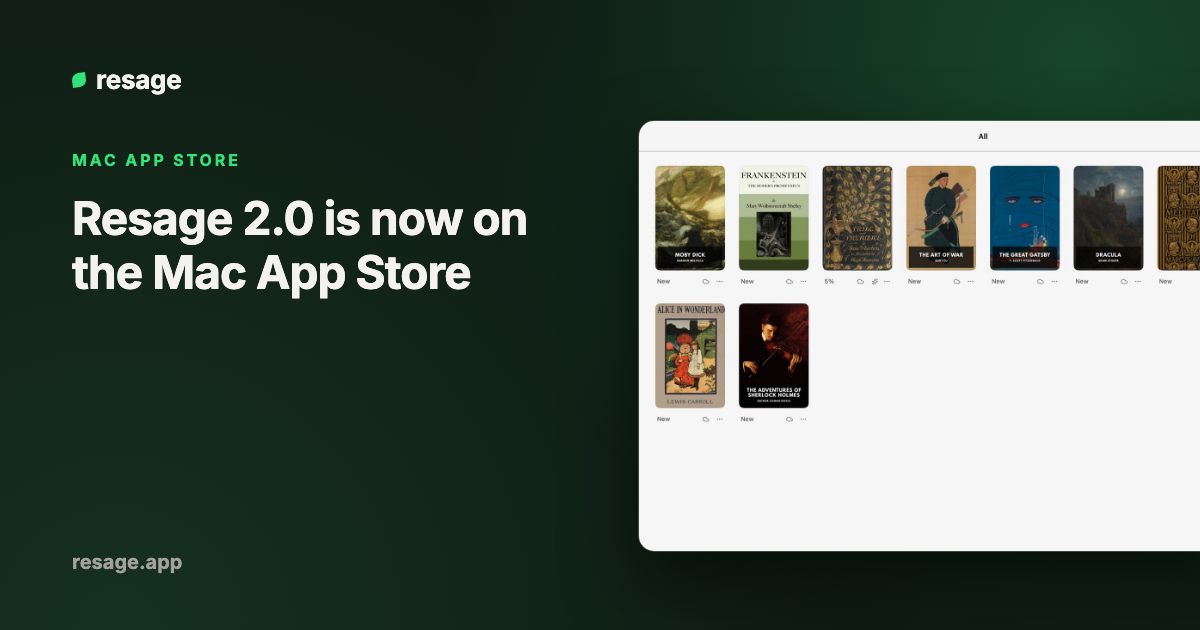
Resage 2.0 is now available on the Mac App Store. Version 2.0.0 went live there on October 12, 2026. If you installed Resage from the App Store, the update appears in the App Store's Updates tab. If you have not installed it yet, search for "Resage" in the Mac App Store or use the link on the download page.
Resage is a Mac reading app with an AI companion. You open your own PDF, EPUB, MOBI or AZW3 files, ask questions beside the page, and the answers link back to the passage they come from. It remembers your earlier discussions, so a question about chapter 12 can draw on what you asked in chapter 3, or in another book.
What is in Resage 2.0
Version 2.0 is the biggest update since the first release in July 2026.
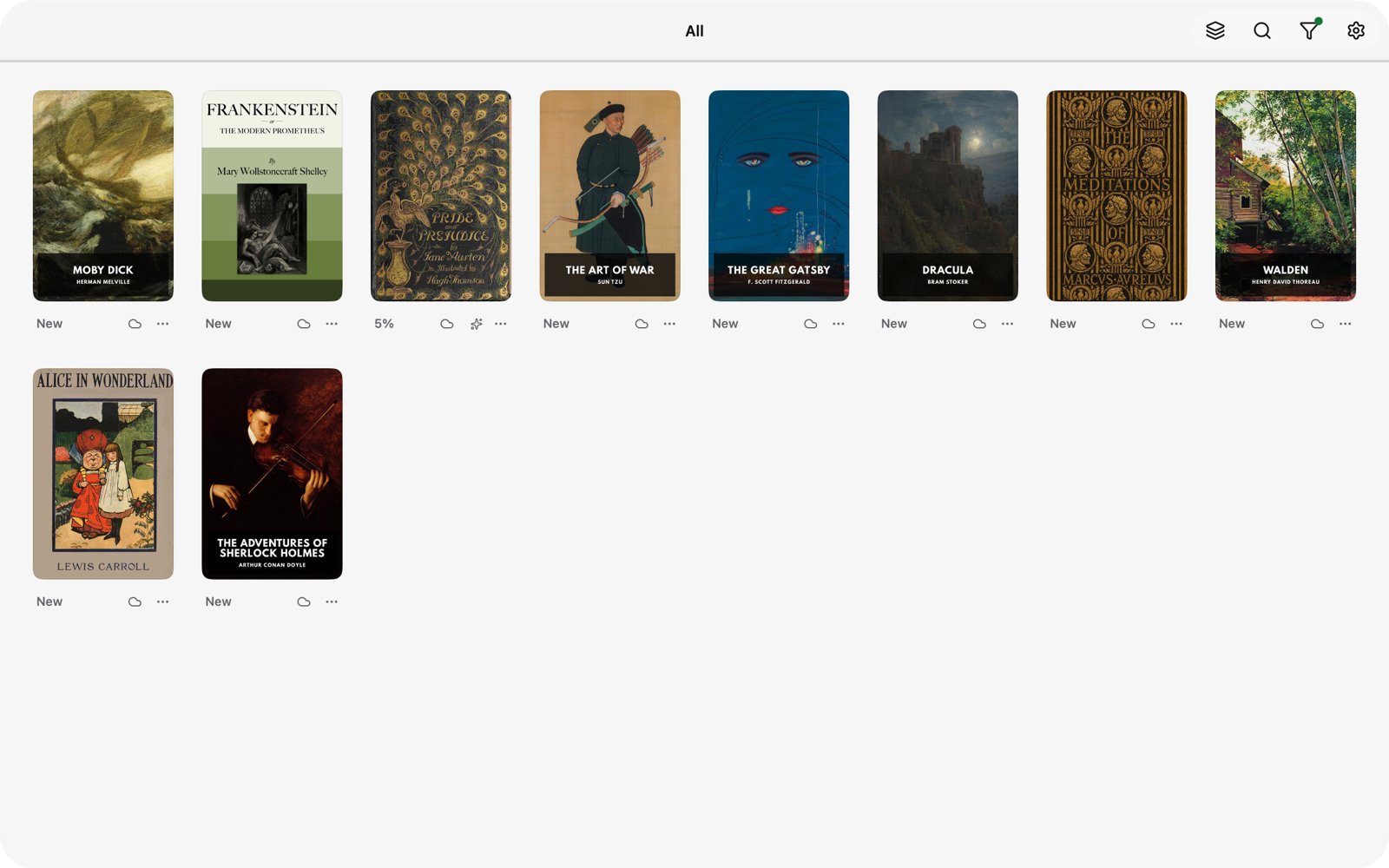
- A calmer library. One toolbar instead of a sidebar, a Reading Progress filter, bulk import of up to 50 files, and a Recently Deleted folder that keeps books for 7 days.
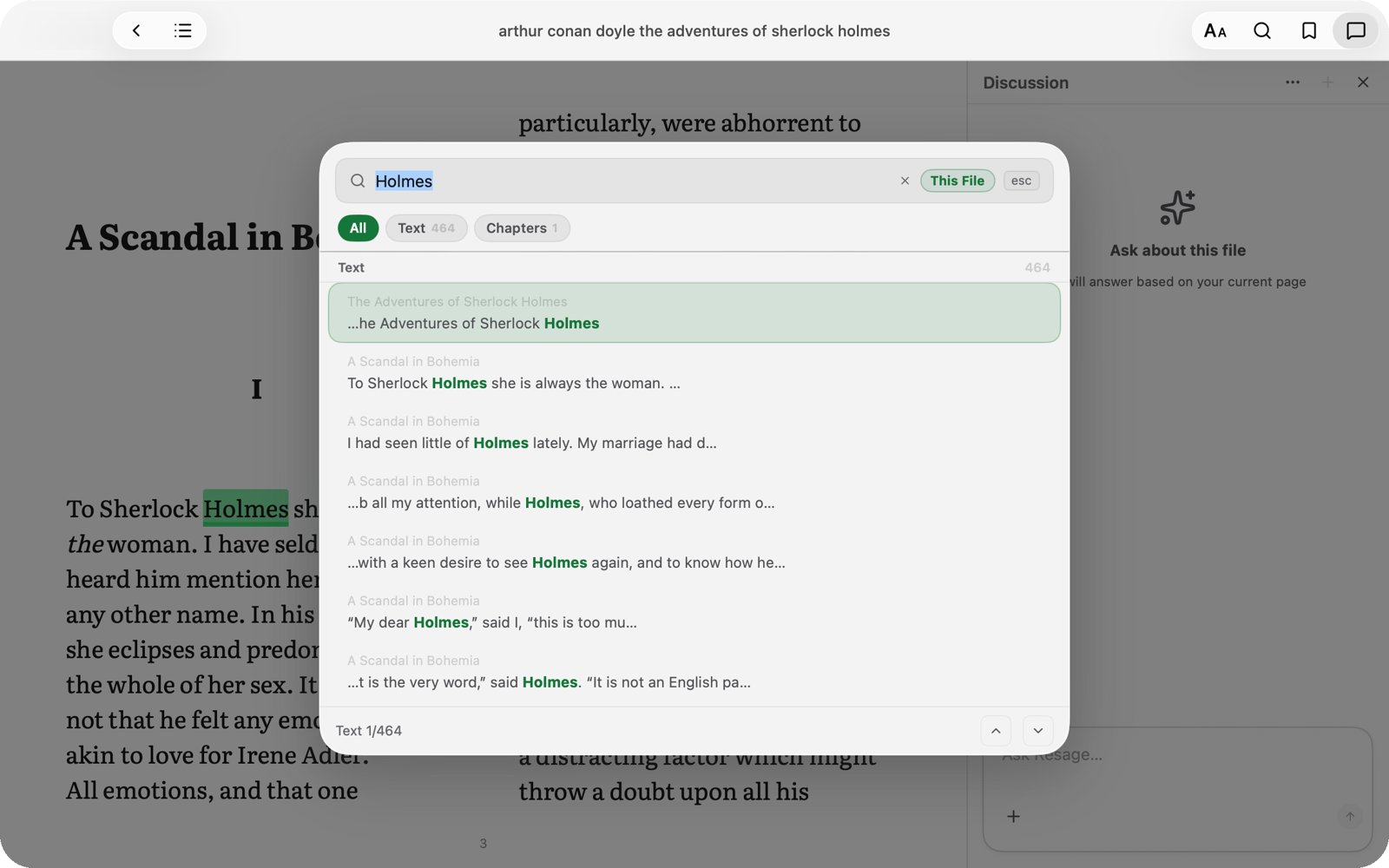
- Search inside books. A small search window over the page, with a local full-text index for EPUBs and every match highlighted.
- Richer questions. A + menu to attach pages or screens, turn on Extended answers that go beyond the book (clearly marked as general knowledge), or search the web.
- Light mode. Light, Dark, or follow the system.
- A full Mac menu bar and a Usage page in Settings that shows what is left this week and this month.
- Free, Plus and Pro plans. Reading, the AI companion, memory and account sync are on every plan, including Free.
The full write-up, with screenshots, is in Resage 2.0: A Calmer Library, Better Questions and a Pro Plan.
Mac App Store or direct download
Both are the same app, and your account, library and memory work with either.
| Mac App Store | Direct download (.dmg) | |
|---|---|---|
| Updates | Through the App Store | Built-in updater (Sparkle) |
| Install | One click, tied to your Apple ID | Drag to Applications |
| Availability | Most regions, not the EU, mainland China, Russia or Belarus | Worldwide |
| Requirements | macOS 14.0 or later, Apple Silicon | macOS 14.0 or later, Apple Silicon |
If the App Store is not offered in your region, use the direct download. It is notarized by Apple and is the same version. A longer comparison is on the App Store vs direct download page.
Frequently asked questions
Is Resage on the Mac App Store?
Yes. Resage 2.0 has been live on the Mac App Store since October 12, 2026.
Does Resage cost anything?
Resage is free to start. The Free plan includes reading, the AI companion, memory and account sync, with monthly allowances. Plus and Pro raise those allowances. See the pricing page.
What do I need to run Resage?
A Mac with Apple Silicon running macOS 14.0 or later.
I already use the direct download. Do I need to switch?
No. The direct download keeps updating itself and is the same app. Switch only if you prefer App Store updates.
Which file types can I open?
PDF (including scanned PDFs, with text recognition), EPUB, Word (DOCX), TXT, Markdown, and Kindle MOBI and AZW3. Password-protected or DRM-protected files cannot be imported.
Resage is made by Ming Lei. Questions or feedback: hello@resage.app.