Guide
How do you ask AI questions about a scanned PDF that has no text layer?
A scanned book is a stack of pictures — search finds nothing and most AI tools quietly answer from memory instead. Here is how cloud text recognition with AI consent makes scans searchable, with the failure cases stated up front.
If ⌘F finds nothing in your PDF, the file has no text layer. Every page is an image, and there is nothing in it for software to read. Before an AI tool can answer anything about that file, someone has to turn those pictures into text.
The usual advice is to run the file through an OCR utility first, then feed the output somewhere else. It works, and almost nobody keeps doing it — you end up with a text file that no longer looks like the book, and a reader that no longer matches the text.
With AI consent, cloud preparation recognizes scanned pages while you keep reading the original scan.
This comes up constantly, in almost the same words:
"Has anyone found a genuinely usable way to extract text from multiple images at once?" — r/PDF
"Ask HN: How to OCR a PDF and preserve whitespace?" — Ask HN
The trap nobody warns you about
When a scanned file has no text layer, a general-purpose assistant will still answer your question. It just answers from what it remembers about the title, not from your copy — and it sounds exactly the same as an answer that came from the page.
With a popular book, that gets you a summary of some other edition: different pagination, sometimes a different translation, occasionally a plot detail that is not in the book you are holding. With a scanned manuscript or an old report, you get confident fiction.
So the real requirement is not "does it do OCR". It is: does it know the difference between reading your page and remembering the title, and will it tell you which one just happened.
How Resage handles a scan
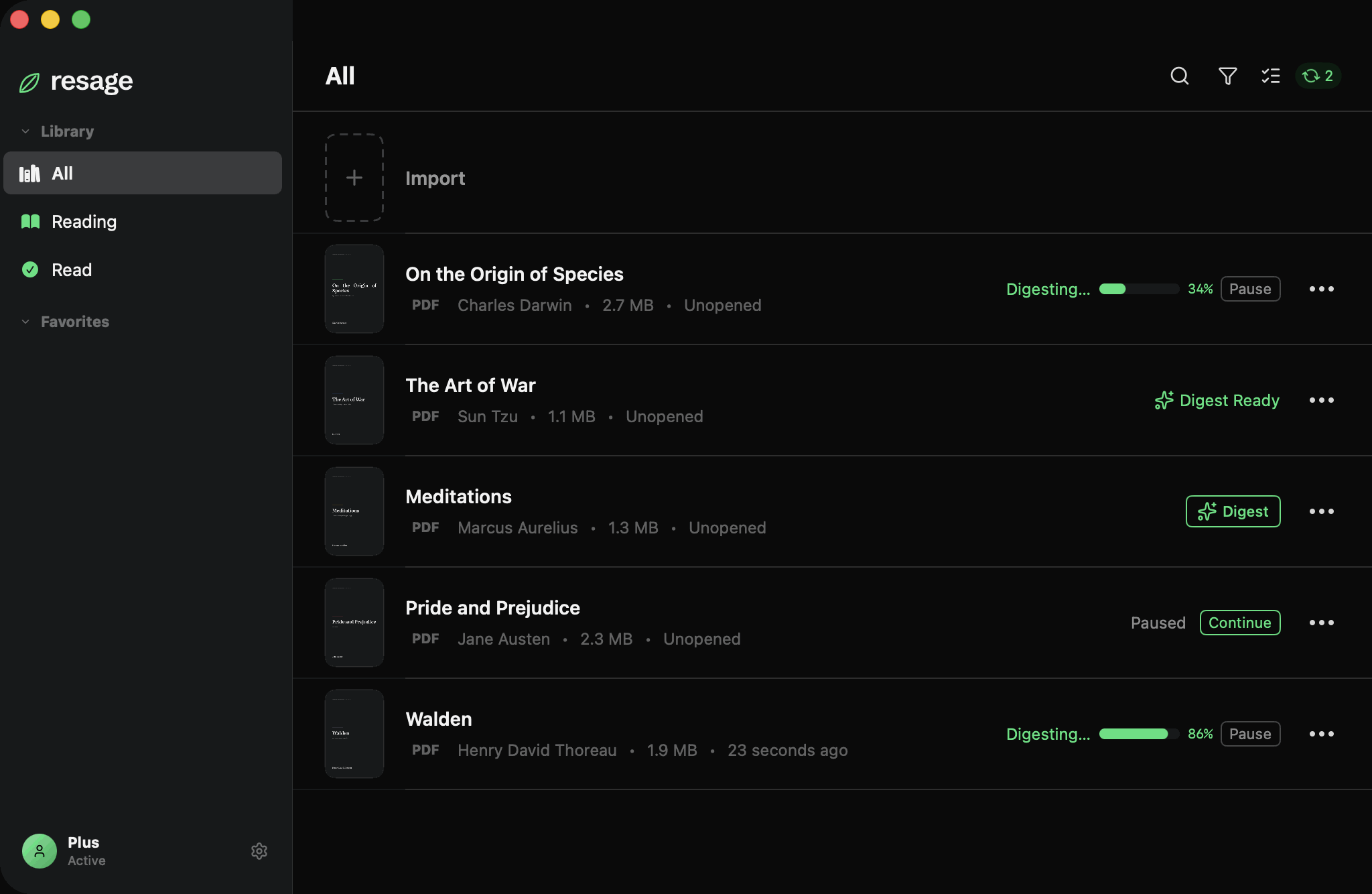
Recognition happens during Digest. When Resage reads through a file, pages that have no usable text are recognized page by page. There is no separate OCR step, no settings, no queue.
It runs in the cloud with AI consent. Scanned pages are recognized during cloud preparation. Temporary uploaded originals are deleted on completion, with a seven-day fallback.
Language is detected per page. Rather than a language list you have to maintain, recognition is set to detect automatically — on current macOS that covers around thirty languages, including Chinese, Japanese, Korean, Cyrillic, Arabic, Thai, Vietnamese and sixteen Latin-script European languages. A French scan and a Japanese scan both go through the same path.
Columns are put back in reading order. Recognized text boxes are grouped into lines and sorted, with two-column pages detected and read down one column before the other, rather than zig-zagging across the gutter.
After Digest, the file behaves like any other book. Search works. Questions can span the whole document. Answers cite the page they came from.
What we measured, and what we do when it fails
This is the part most tools leave out. Recognition can come back nearly empty — a photographed page at a bad angle, heavy stamps and marginalia, or a script the recognizer does not read. If nothing says so, you are left thinking the AI is stupid when in fact it has nothing to work with.
Resage checks its own output and says so. Two thresholds, both from our own testing:
- Fewer than 100 characters per page on average, or fewer than 60% of pages with any text at all, and the pass is treated as failed rather than reported as done.
- When it fails, one more measurement decides which failure you are told about. Vertically-set text produces tall, narrow text boxes; horizontal text does not. Across our test files, horizontally-set books produced 0.00% narrow boxes, while vertically-set classical Chinese editions produced 33% to 50%. The dividing line sits at 15%, well clear of both clusters.
Which means: vertically-set scans are a known limitation, not a mystery. If you import one, you are told the text runs vertically and could not be read, instead of being handed twenty pages of scrambled characters.
Nothing here is a guarantee about your particular file. A clean 300 dpi scan of a printed page is close to boring. A phone photo of a page in shadow is a coin flip, and a nineteenth-century handwritten ledger is not going to work.
Where it stops
- macOS 14.0 or later on Apple Silicon. No Windows, Android or web version. iPhone is next.
- Not an OCR product. There is no exporting the recognized text as a searchable PDF, no batch conversion pipeline, no editing.
- Vertically-set text is not supported, as measured above.
- Handwriting is out of scope.
- DRM-protected files cannot be opened by any third-party reader, this one included.
- Digest takes real time on a long file. It runs in the cloud with AI consent, and you can keep reading while it works.
FAQ
Do my scanned pages get uploaded to be recognized?
With your AI data-processing consent, newly imported books are prepared in the cloud on Mac, iPhone, and iPad; temporary uploaded originals are deleted when processing finishes. Without consent, reading uses lightweight local parsing without cloud-preparation uploads. For AI questions, relevant passages are sent to the provider; a visual question may also send an image of a single page.
How do I know whether an answer came from my scan or from the model's general knowledge?
Resage says which. When it draws on general knowledge rather than your text, it labels that explicitly, and any claim that the book says something comes with the passage it came from.
What if recognition fails on my file?
You are told, with a reason — either that the text appears to run vertically, or that the pages could not be read. It does not silently proceed and then improvise answers.
Which languages can it recognize?
Language detection is automatic; current macOS covers roughly thirty, including Chinese, Japanese, Korean, Cyrillic, Arabic, Thai, Vietnamese and the major Latin-script European languages. Vertically-set text is the known exception.
Is text recognition part of the paid tier?
No. Reading is not charged, but scanned-page text recognition is counted by page: 1,500 pages a month on Free, 8,000 on Plus and 24,000 on Pro (with daily caps of 1,000, 3,000 and 5,000 pages). Cloud Digest has its own monthly allowance. The free tier includes a monthly discussion allowance; Resage Plus ($9.99 a month, $99.99 a year) raises it, and Resage Pro ($29.99 a month, $299.99 a year) gives 3x the Plus allowances.