The 10 Best Reading Apps for Mac in 2026 (Ebooks, PDFs and Kindle Files)
The right reading app on a Mac depends on one thing first: what kind of files you read. Apple Books opens EPUB and PDF only. Kindle files such as MOBI and AZW3 need a different app. Long PDFs need a reader built for fixed pages. And if you want to ask questions about what you read, that is a separate category again.
This list covers ten apps that people actually use on macOS, what each opens, and what each is best at. Use the quick guide at the end if you just want a pick.
1. Apple Books
Best for: EPUB and PDF books bought from Apple or kept in iCloud.
Apple Books comes with every Mac, syncs across your Apple devices, and has clean typography. It opens EPUB and PDF, and it does not open Kindle formats (MOBI, AZW3) or Word files. If your library is EPUB, it is a sound default. See which formats Apple Books supports for the full list.
2. Resage
Best for: Reading your own files and discussing them with AI.
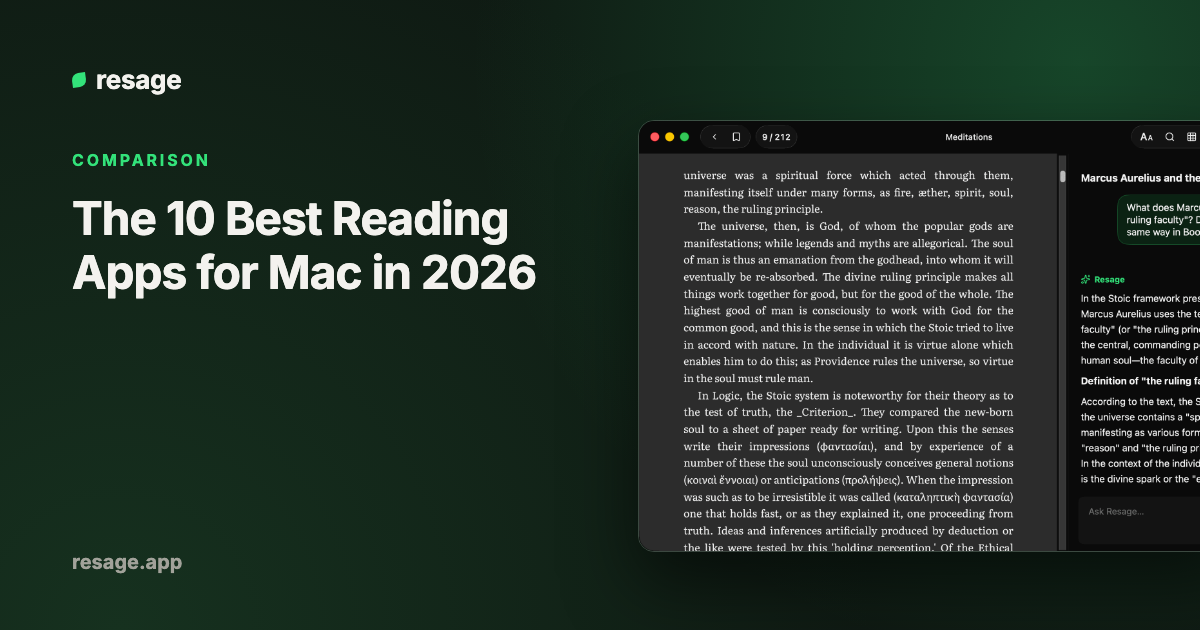
Resage opens EPUB, PDF, MOBI, AZW3, DOCX, TXT, and Markdown files from your own collection. An AI discussion bar sits under the page and answers from the text in front of you, and it remembers what you read and discussed across books. It is free to start with a monthly discussion allowance. Limits to know: it needs macOS 14 or later on Apple Silicon, an account is required, and copy-protected Kindle purchases cannot be opened.
3. Kindle for Mac
Best for: Books bought from the Kindle store.
Amazon's own app syncs your purchases, highlights, and reading position across devices. It is built around the Kindle store, so it is not the easiest way to read files you got elsewhere.
4. Calibre E-book Viewer
Best for: Power users who manage large libraries and convert formats.
Calibre is free and open source, with a viewer that opens most ebook formats, including MOBI and AZW3. Its strength is library management and conversion between formats. The interface is functional rather than polished. See how to read a Calibre library on Mac.
5. Preview
Best for: Quick PDF reading.
Preview ships with macOS and opens PDFs instantly, with highlights, notes, and form filling. It is not an ebook reader and does not handle EPUB.
6. Adobe Acrobat Reader
Best for: PDFs that need advanced features such as forms, signatures, and annotations.
Acrobat Reader is the standard for complicated PDFs. It is heavier than Preview, so it makes sense when you need what Preview lacks.
7. Skim
Best for: Reading and annotating academic PDFs.
Skim is a free, open-source PDF reader for macOS built for papers and long documents, with notes and highlights. It reads PDFs only.
8. Thorium Reader
Best for: A free, open-source EPUB reader with good accessibility support.
Thorium is a free, open-source reader from EDRLab. Its site highlights EPUB support, plus comics and audiobooks, and stresses accessibility: screen reader support, synthetic voice, and display adjustments. It runs on macOS Monterey or later. PDF is not listed among its formats.
9. Koodo Reader
Best for: A free, open-source reader that opens many formats.
Koodo Reader is open source and runs on Mac, Windows, Linux, mobile, and the web. Its site lists over 15 formats, including EPUB, PDF, MOBI, and AZW3. It has a free version and a Pro version, and lists AI translation, dictionary, and summary tools. It suits people who want broad format coverage in one app.
10. Readest
Best for: A free, open-source reader that works the same across devices.
Readest describes itself as a free, open-source EPUB and PDF reader, with a download for macOS and other platforms and AI-powered text-to-speech for read-aloud. Its site names EPUB and PDF only, so check it before relying on Kindle formats.
Quick comparison
| App | Opens EPUB | Opens PDF | Opens MOBI / AZW3 | Built-in AI discussion | Price |
|---|---|---|---|---|---|
| Apple Books | Yes | Yes | No | No | Free |
| Resage | Yes | Yes | Yes (DRM-free) | Yes | Free to start |
| Kindle for Mac | No | No | Kindle purchases | No | Free |
| Calibre Viewer | Yes | Yes | Yes (DRM-free) | No | Free |
| Preview | No | Yes | No | No | Free |
| Acrobat Reader | No | Yes | No | No | Free |
| Skim | No | Yes | No | No | Free |
| Thorium Reader | Yes | Not listed | Not listed | No | Free |
| Koodo Reader | Yes | Yes | Yes | AI summaries and translation | Free and Pro |
| Readest | Yes | Yes | Not listed | No (read-aloud only) | Free |
Formats and features change between versions, so check an app's own page before relying on a detail.
Which one should you pick?
- You read EPUB bought from Apple: Apple Books.
- You have MOBI or AZW3 files: a reader that opens them directly. See how to open MOBI files on Mac or the best MOBI readers for Mac.
- You buy from Amazon: Kindle for Mac.
- You read mostly PDFs: Preview for light use, Acrobat Reader for forms and signatures. For a PDF reader with AI, see AI PDF reader for Mac.
- You want to ask questions about what you read: Resage.
- You want a free, open-source reader: Thorium for EPUB and accessibility, Koodo Reader for the widest format list, Readest for EPUB and PDF.
- You manage a big library and convert formats: Calibre.
For a deeper look at EPUB specifically, read the best EPUB reader for Mac.
Frequently asked questions
What is the best reading app for Mac?
It depends on your files. Apple Books suits EPUB and PDF from Apple. Resage suits your own mixed files plus AI discussion. Calibre suits large libraries and format conversion. Kindle for Mac suits Kindle purchases.
What is the best free ebook reader for Mac?
Apple Books is free and built in. Calibre, Thorium, Koodo Reader, Readest, and Skim are free and open source. Resage is free to start with a monthly discussion allowance.
Can a Mac read Kindle books?
Kindle purchases open in the Kindle for Mac app. DRM-free MOBI and AZW3 files open in Calibre, Koodo Reader, and Resage. Apple Books cannot open any of them.
Which Mac app can read EPUB, PDF and MOBI together?
Resage, Calibre, and Koodo Reader each open all three. Resage adds AI discussion across the books you read.