How to Read Markdown and TXT Files Like Books on Mac
Long text often lives in plain files: a novel saved as .txt, a book downloaded from a public-domain archive, research notes written in Markdown, or an article exported from a note-taking app. Open one in a text editor and you get a wall of monospaced text, with no pages, no comfortable margins, and Markdown symbols such as # and cluttering every line.
Apple Books does not help. It ignores .txt and .md files, so dragging them into your library does nothing. This guide covers three ways to read them on a Mac as a clean, book-like view.
Can Apple Books open TXT or Markdown files?
No. Apple Books opens EPUB and PDF only. See which formats Apple Books supports for the full list.
Way 1: Open the file directly in a reader that supports it
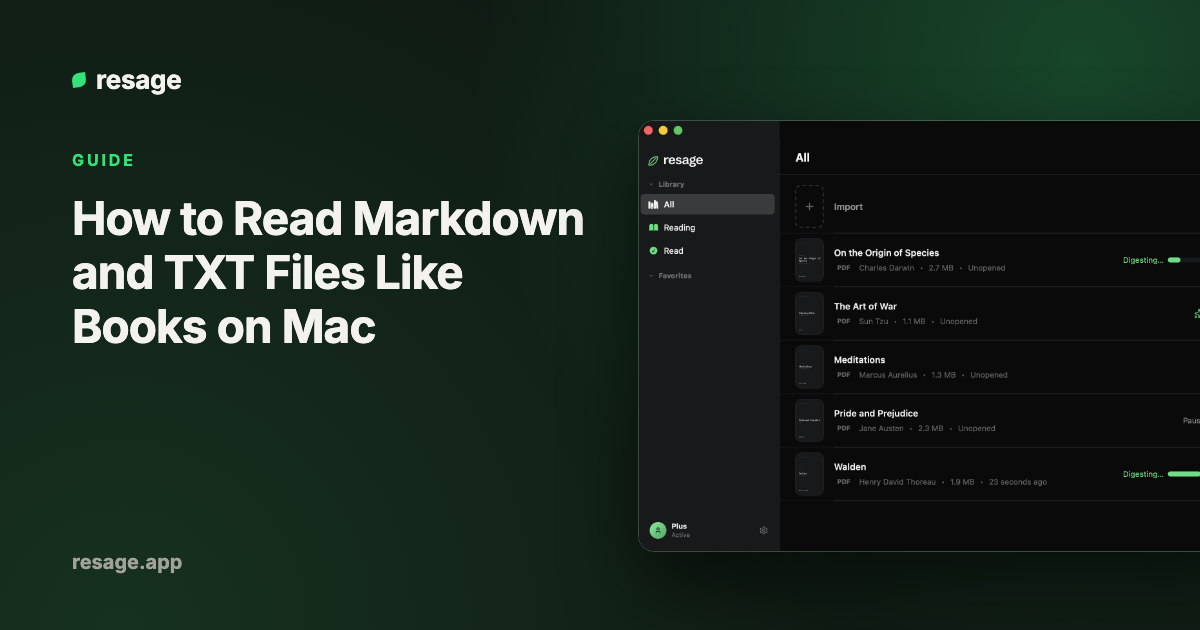
Resage opens .txt and .md files directly and shows them as reflowing pages, with adjustable font, size, and margins. Markdown symbols are cleaned out so the text reads as plain prose rather than code. Long files get search, bookmarks, and a discussion bar where you can select a passage and ask about it. It is free to start, with a monthly discussion allowance.
What to know first:
- Formatting is simplified. Bold, italics, tables, and images do not appear as they would in a Markdown editor.
- It needs macOS 14 or later on Apple Silicon, and an account.
- Resage is for reading, not editing. Edit the file in your usual editor and read it in Resage.
Way 2: Read it in a text editor or Quick Look
For a short file, you do not need anything extra.
- TextEdit opens
.txtfiles and lets you change the font and size. It shows Markdown as raw text. - Quick Look previews a text file when you select it in Finder and press the space bar. It is fast, but it is a preview, not a reading view.
This is fine for a page or two. It gets tiring for anything long, because there are no pages, bookmarks, or reading progress.
Way 3: Convert to EPUB for Apple Books
If you want the file in Apple Books, convert it to EPUB.
With Calibre (no command line):
- Install Calibre, which is free.
- Add the
.txtor.mdfile to the Calibre library. - Select it and click Convert books.
- Set the output format to EPUB and click OK.
- Save the result and drag the
.epubinto Apple Books.
With Pandoc (for Markdown, from Terminal):** run pandoc notes.md -o notes.epub. Pandoc is a free command-line converter that turns Markdown headings into chapters.
For a plain .txt file, check the result: a text file has no real headings, so the converted book may come out as one long chapter.
Which way should you pick?
| Situation | Best option |
|---|---|
| A long file you want to read in comfort, with search and questions | Resage |
| A short file, a quick look | TextEdit or Quick Look |
| You want it inside Apple Books on all your Apple devices | Convert to EPUB with Calibre or Pandoc |
| You need the Markdown formatting kept exactly | Convert to EPUB with Pandoc |
For a wider list of apps, see the 10 best reading apps for Mac. If your file is a Word document, see how to read Word documents like an ebook on Mac.
Frequently asked questions
How do I read a Markdown file on a Mac without it looking like code?
Open it in a reader that cleans up Markdown symbols, such as Resage, or convert it to EPUB and open it in Apple Books.
Can Apple Books open TXT files?
No. Apple Books ignores .txt and .md files. Convert the file to EPUB, or use a reader that opens them directly.
What is the best app to read a long text file on Mac?
For short files, TextEdit is enough. For long ones, a reading app with pages, search, and bookmarks is a better fit. Resage opens TXT and Markdown directly.
Does Resage edit Markdown?
No. It is built for reading. Edit the file in your regular editor and open it in Resage when you want to read it.
Can I ask questions about a text file?
Yes, in Resage. Select a passage and ask about it in the discussion bar. Answers come from the text of your file.