How to Open AZW Files on Mac (And Why Many Won't Open)
You have an .azw file on your Mac, you double-click it, and nothing useful happens. Apple Books rejects it, and macOS asks which app to use. Before you pick a tool, there is one question that decides everything: is the file copy-protected?
This guide explains what an AZW file is, how to tell whether yours can be opened, and what to do in each case.
What is an AZW file?
AZW is a Kindle ebook format used for books in Amazon's store. It is closely related to the older MOBI format. Newer Kindle books often use AZW3, also called KF8, which supports richer layout and fonts. See how to open AZW3 files on Mac and how to open MOBI files on Mac for those.
Can Apple Books open AZW files?
No. Apple Books opens EPUB and PDF only. It has never supported Kindle formats such as AZW, AZW3, or MOBI. See which formats Apple Books supports.
First: is your AZW file copy-protected?
Most AZW files bought from the Kindle store are protected by DRM, which locks them to Amazon's apps and devices. No third-party reader can open a protected file. That includes Resage, Calibre, and every other app. Resage does not help remove copy protection.
Some AZW files are not protected, and those open normally:
- Documents you sent to yourself with Send to Kindle.
- Books from DRM-free sources such as Project Gutenberg or Standard Ebooks.
- Books from authors or publishers who sell DRM-free copies directly.
The practical test is to try to open the file. A reader that handles this properly tells you the file is protected instead of failing silently.
How to open a DRM-free AZW file on Mac
1. Open it directly in a reader that supports AZW
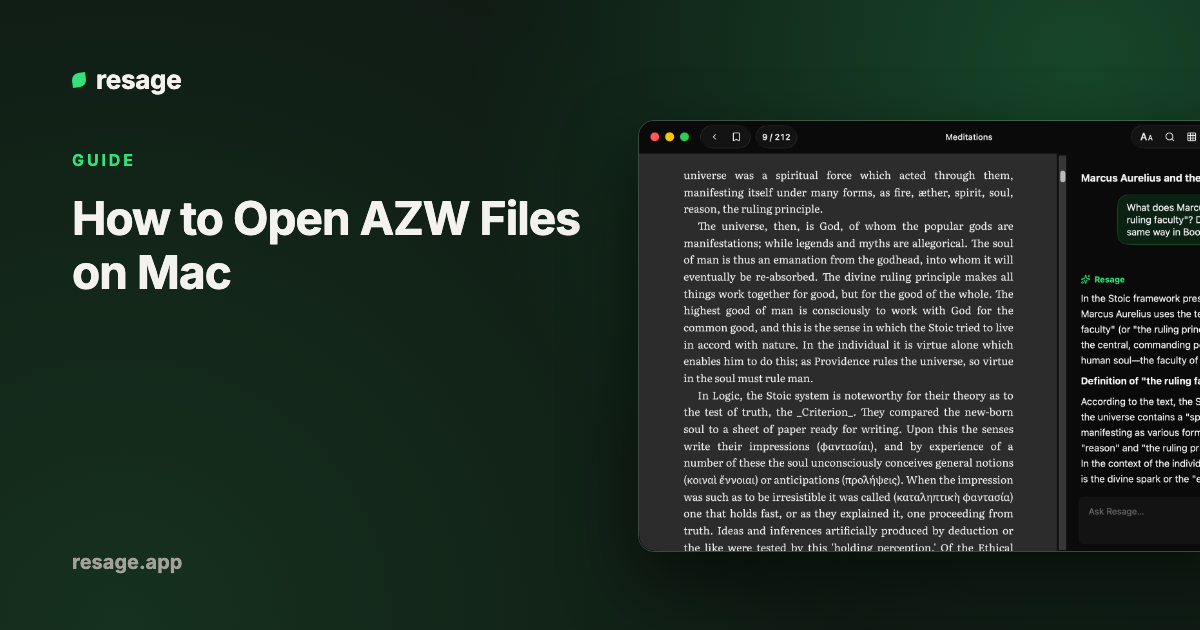
Resage opens DRM-free .azw, .azw3, and .mobi files directly on a Mac, with no conversion. Double-click the file or drag it into the window, and you are reading. A discussion bar under the page lets you select a passage and ask about it. It is free to start, with a monthly discussion allowance. It needs macOS 14 or later on Apple Silicon, and an account.
Calibre's built-in viewer also opens DRM-free AZW files, and it is free. See the best MOBI readers for Mac for a side-by-side comparison of apps that handle Kindle formats.
2. Convert it to EPUB with Calibre
If you want the book in Apple Books, convert it once.
- Install Calibre, which is free.
- Add the
.azwfile to the Calibre library. - Select it and click Convert books.
- Set the output format to EPUB and click OK.
- Save the result and drag the
.epubinto Apple Books.
If Calibre refuses to add or convert the file, it is almost certainly protected. For the full walkthrough, see how to convert MOBI to EPUB on Mac, which applies the same steps.
If the file is protected
Books bought from the Kindle store are meant to be read in Amazon's own apps. Open them in the Kindle app on your Mac, iPhone, iPad, or a Kindle device. If you want a copy you can open anywhere, buy a DRM-free edition from a store that sells them.
What about AZW4 files?
An .azw4 file is Amazon's print replica format, essentially a PDF inside a Kindle wrapper. Resage and Apple Books both reject it. If you only have the .azw4, look for a PDF or EPUB version of the same book.
Which way should you pick?
| Situation | Best option |
|---|---|
| DRM-free AZW, read it now with no extra steps | Resage or Calibre viewer |
| DRM-free AZW, want it in Apple Books | Convert to EPUB with Calibre |
| Bought from the Kindle store | Kindle app |
.azw4 file | Find a PDF or EPUB edition |
Frequently asked questions
How do I open an AZW file on a Mac?
If the file is not copy-protected, open it in a reader that supports AZW, such as Resage or Calibre, or convert it to EPUB with Calibre and open it in Apple Books.
Can Apple Books open AZW files?
No. Apple Books supports EPUB and PDF only.
Why won't my AZW file open?
Most likely it is protected by DRM because it was bought from the Kindle store. Third-party readers cannot open protected files. Open it in the Kindle app instead.
What is the difference between AZW, AZW3, and MOBI?
All three are Kindle-related formats. MOBI is the older one, AZW is Amazon's store variant of it, and AZW3 is the newer format with richer layout. Apple Books opens none of them.
Can I read an AZW file for free on a Mac?
Yes, if the file is DRM-free. Calibre is free, and Resage is free to start.