How to Open MOBI Files on Mac (3 Ways That Work)
Apple Books cannot open MOBI files. If you double-click a .mobi file on a Mac, you get a prompt to pick an app or an error, and dragging it into Apple Books does nothing useful. macOS has never included a MOBI parser.
There are three ways around this. Which one fits depends on whether you want to read the file as it is, convert it once, or stay inside Amazon's ecosystem.
What is a MOBI file?
MOBI is an older ebook format from the Kindle era. A .mobi file you downloaded, exported, or backed up is usually a plain, copy-protection-free book. A .mobi or .azw file bought from the Kindle store is usually protected by DRM (copy protection), which changes your options. That case is covered below.
Can Apple Books read MOBI?
No. Apple Books opens EPUB and PDF only. This is why a MOBI file needs either a different reader or a conversion to EPUB first. The same applies to AZW3, the newer Kindle format. See how to open AZW3 files on Mac and the full Apple Books format list.
Way 1: Open it directly in a reader that supports MOBI
This is the fastest route, with no conversion and no duplicate files.
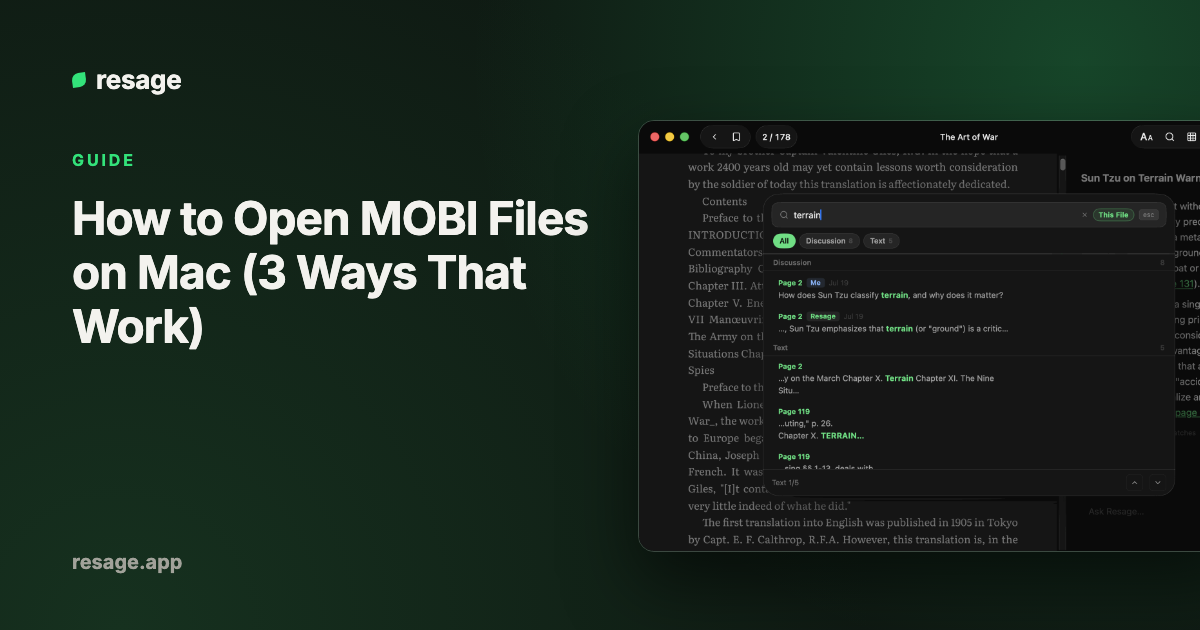
Resage opens .mobi, .azw3, .epub, and .pdf files directly on Mac. Double-click the file or drag it into the window, and you are reading. It also has an AI discussion bar at the bottom of the page that answers from the text in front of you, with page citations, and it remembers what you discussed across books.
Calibre's built-in viewer also opens MOBI directly. It is free, though the interface is functional rather than polished. For a side-by-side look at the options, see the best MOBI readers for Mac.
One limit applies to every third-party reader: they open DRM-free MOBI only.
Way 2: Convert MOBI to EPUB, then use Apple Books
If you prefer Apple Books, convert the file once with Calibre.
- Install Calibre, which is free.
- Add the
.mobifile to the Calibre library. - Select the book and click Convert books.
- Set the output format to EPUB and click OK.
- Save the result to disk and drag the
.epubinto Apple Books.
Conversion usually keeps the text and chapters but can change fonts and spacing. The full walkthrough, including what changes and what to check afterwards, is in how to convert MOBI to EPUB on Mac.
Way 3: Use the Kindle app for Mac
Amazon's Kindle app opens books bought from the Kindle store. It is not designed for loading your own .mobi files, so it is a poor fit if your file came from somewhere else. Use it for Kindle purchases, not for personal files.
What if the MOBI file will not open anywhere?
The usual reason is DRM. A book bought from the Kindle store is locked to Amazon's apps and devices, so neither Calibre nor Resage nor any other third-party reader can open it. Resage does not help remove copy protection. Open those books in the Kindle app, or buy a DRM-free copy from a store that sells them.
If a file does not carry DRM and still fails, it may be damaged. Re-download it or re-export it from its source.
Which way should you pick?
| Situation | Best option |
|---|---|
| Read a DRM-free MOBI right now, no extra steps | Resage or Calibre viewer |
| Want it inside Apple Books and synced to iPhone | Convert to EPUB with Calibre |
| Bought from the Kindle store | Kindle app |
| Want to ask questions about the text as you read | Resage |
Frequently asked questions
How do I open a MOBI file on a Mac?
Use a reader that supports MOBI, such as Resage or Calibre, and double-click the file. Or convert it to EPUB with Calibre and open it in Apple Books.
Can Apple Books open MOBI files?
No. Apple Books supports EPUB and PDF only. Convert the file to EPUB first, or use a different reader.
Is there a free MOBI reader for Mac?
Yes. Calibre is free, and Resage has a free plan. The Kindle app is also free but is meant for Kindle purchases.
Why won't my MOBI file open?
Most often the file is protected by DRM because it was bought from the Kindle store. Third-party readers cannot open protected files. A DRM-free file that fails to open may be damaged.
Is MOBI the same as AZW3?
No. AZW3 is the newer Kindle format and supports richer layout and fonts. Both are Kindle formats, and Apple Books opens neither.