How to Read Word Documents (DOCX) Like an Ebook on Mac
A long report, a thesis draft, a manuscript, a set of course notes: plenty of serious reading arrives as a Word file. Open it in Word and you get an editing tool, with a ribbon, tracked-changes marks, and a page that is laid out for printing rather than for reading.
Apple Books does not help here. It only opens EPUB and PDF, so dragging a .docx into it does nothing useful. This guide covers three ways to read a Word document on a Mac in a calmer, book-like view.
Can Apple Books open a Word document?
No. Apple Books is a book reader and does not import word processor files. See which formats Apple Books supports for the full list.
Way 1: Open the DOCX directly in a reader that supports it
This is the shortest route. No export, no second copy of the file.
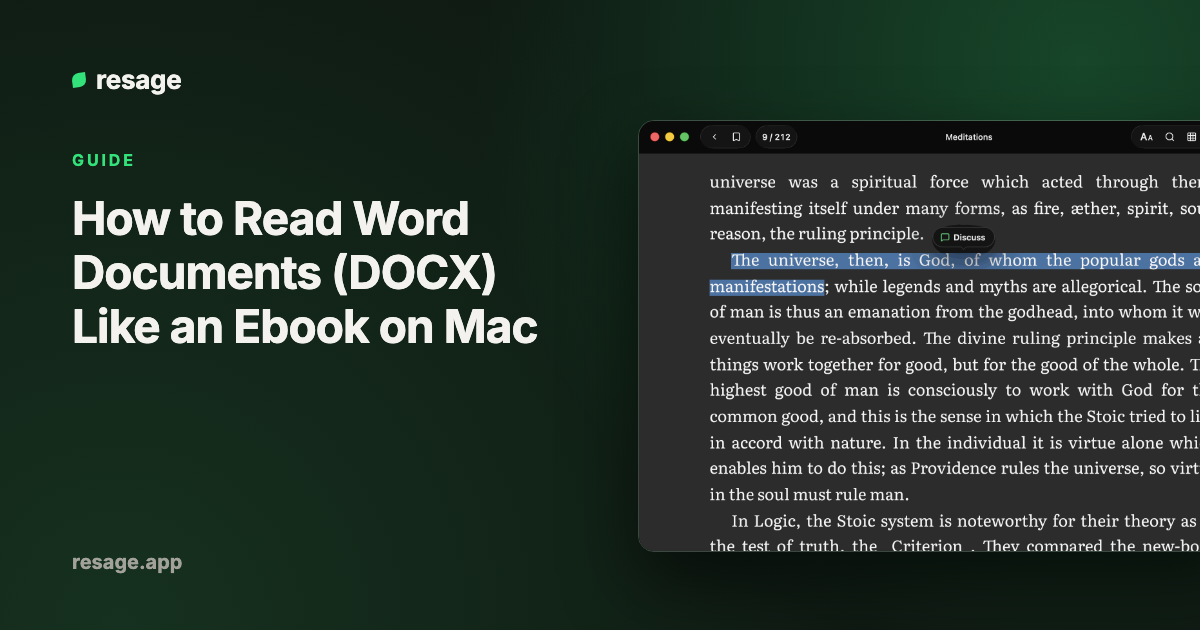
Resage opens .docx files directly and reflows them into book typography. You get adjustable fonts and margins, a full-page reading view, and the same search you use for books. You can also select a passage and ask about it in the discussion bar at the bottom of the page, which helps when the document is long or dense. It is free to start, with a monthly discussion allowance.
What to know first:
- Resage opens the newer
.docxformat only. Legacy.docfiles are not supported, see the last section. - It needs macOS 14 or later on Apple Silicon, and an account.
- A reflowed view is built for reading. Complex layouts such as multi-column designs or heavily formatted tables may look different from Word's print layout.
Way 2: Export to PDF and read it in Preview
If the layout matters, and the document should look exactly as it does in Word, export it as a PDF.
- Open the document in Word or Pages.
- In Word, choose File > Save As and pick PDF as the file format. In Pages, choose File > Export To > PDF.
- Open the PDF in Preview, or in any reader that handles PDF.
The page stays fixed, so it will not reflow to fit a small window or a larger font. It is the right choice for contracts, forms, and anything with a precise layout. See the best reading apps for Mac for readers that handle PDF.
Way 3: Convert to EPUB for Apple Books
If you want the document inside Apple Books, with reflowable text and iCloud sync, convert it to EPUB with Calibre.
- Install Calibre, which is free.
- Add the
.docxfile to the Calibre library. - Select it and click Convert books.
- Set the output format to EPUB and click OK.
- Save the result and drag the
.epubinto Apple Books.
How well this works depends on how the document was built. Files that use real heading styles convert into clean chapters. Files that fake headings with bold text and extra spacing may need a quick fix in Word first. For the same steps applied to Kindle files, see how to convert MOBI to EPUB on Mac.
What about old .doc files?
The older .doc format is not supported by Resage or Apple Books. Open the file in Word or Pages, choose Save As or Export, and save it as .docx or PDF. Then use any of the three ways above.
Which way should you pick?
| Situation | Best option |
|---|---|
| Read a long document comfortably, and ask questions about it | Resage |
| The layout must match Word exactly | Export to PDF |
| You want it in Apple Books on all your Apple devices | Convert to EPUB with Calibre |
It is a legacy .doc file | Save as .docx or PDF first |
Frequently asked questions
How do I read a Word document on a Mac without opening Word?
Use a reader that supports DOCX, such as Resage, or export the document to PDF and open it in Preview.
Can Apple Books open DOCX files?
No. Apple Books opens EPUB and PDF only. Convert the file to EPUB, or use a reader that opens DOCX directly.
Can I read a DOCX file on a Mac for free?
Yes. Pages opens .docx files and comes free with a Mac, and Resage is free to start. Both open the file directly, though Pages is an editor rather than a reading app.
Will formatting change when I read a DOCX in a reader?
A reader that reflows the text, such as Resage, trades Word's print layout for a readable view, so complex layouts can look different. Export to PDF if the exact layout matters.
What about plain text and Markdown files?
Apple Books ignores .txt and .md files too. Resage opens both and shows them as formatted, readable pages.